
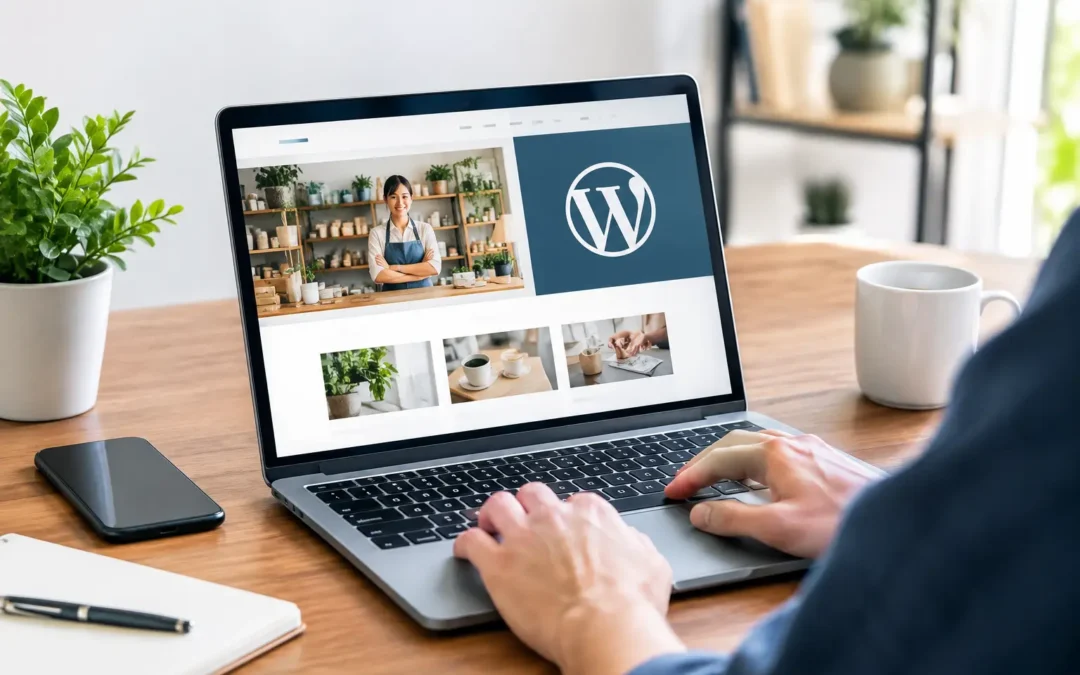
Your website often gets the first chance to explain why a customer should choose you. If it loads slowly, feels dated, or makes contact information hard to find, that chance can disappear before your team ever gets a call. WordPress website design for small business gives owners a practical way to build a professional online presence without taking on an enterprise-level project or an in-house web department.
For local service providers, retailers, professional firms, restaurants, and growing regional brands, a website should do more than look polished. It should help people find you, understand what you offer, feel confident in your business, and take action. That may mean calling, requesting an estimate, scheduling an appointment, visiting a location, or submitting a form.
Why WordPress Works for Small Businesses
WordPress is a website platform that supports everything from a straightforward five-page local business site to a larger website with service areas, landing pages, articles, video, forms, and ecommerce features. Its flexibility is a major advantage for businesses that expect their needs to change over time.
A new HVAC company may need clear service pages and quote requests. A medical practice may need provider information, location details, and appointment inquiries. A retailer may need product pages and online ordering. WordPress can support each of these needs without forcing a business into the same rigid layout as every competitor.
Just as important, WordPress gives business owners control. With proper setup and ongoing support, your team can update hours, add announcements, post photos, or adjust a service description without rebuilding the entire site. That said, flexibility does not mean every business owner should have to manage every technical detail. Hosting, backups, security updates, plugin compatibility, and performance monitoring are real responsibilities. Managed support can keep those tasks from becoming another item on an already full to-do list.
What a Small-Business Website Needs to Do
A website is not a digital brochure sitting quietly in the background. It is a working part of your marketing. People may arrive from a Google search, a social media post, a streaming TV campaign, an online ad, or a recommendation from a friend. Wherever they came from, the website needs to continue the conversation clearly.
Make the value clear right away
Visitors should not have to scroll through a vague mission statement to figure out what you do. The top section of your homepage should quickly answer three questions: What do you offer? Who do you serve? What should the visitor do next?
For example, a home remodeling company might lead with the types of projects it handles, the communities it serves, and a clear invitation to request a consultation. A law office may highlight its practice areas and provide an easy path to schedule a conversation. Plain language works better than broad claims that could apply to any business.
Make it easy to take action
Every important page should give visitors a logical next step. A visible phone number, contact form, appointment button, directions, and service inquiry option can all help, depending on the business.
Too many calls to action can create confusion. One primary action per page is often enough. A page about commercial roofing should guide visitors toward requesting an estimate, not ask them to subscribe, download something, call three departments, and browse unrelated services all at once.
Build trust before the first conversation
Customers are cautious, particularly when they are choosing a contractor, healthcare provider, financial service, or business they have not used before. Strong WordPress website design for small business includes trust-building details where customers expect to find them.
That can include real team photos, customer reviews, project examples, professional certifications, years in business, service areas, frequently asked questions, and clear policies. These details should be accurate and specific. Stock photos and generic promises are not always wrong, but they rarely do as much to build confidence as evidence of real work in the community.
Design for Mobile First, Not Desktop Only
A customer searching for a nearby business is often using a phone. They may be sitting in a parking lot, waiting in a doctor’s office, or looking for help outside regular business hours. If your site is difficult to use on a small screen, customers may move to the next result.
Mobile-friendly design means more than making text smaller. Buttons need enough space to tap. Forms should be short and manageable. Phone numbers should be easy to use. Images should support the message without slowing down the page. Navigation should help visitors reach key pages in a few taps.
There is a trade-off here. Large image galleries, autoplay videos, motion effects, and elaborate design elements can make a website feel impressive in a presentation. They can also affect load time and distract from the reason a customer came to the page. The right approach depends on your industry and audience, but speed and clarity should usually win over decoration.
Build Pages Around How Customers Search
Many small businesses make the mistake of treating all website content as one general overview. Customers do not search that way. They search for specific services, locations, problems, and questions.
A plumbing company might need separate pages for water heater repair, drain cleaning, emergency plumbing, and fixture installation. A marketing agency may need distinct pages for web design, social media management, video production, and advertising. Separate pages give visitors relevant information and create clearer opportunities to appear in search results.
Location matters, too. A business serving multiple cities should explain where it works without creating thin, repetitive pages that provide no useful information. Describe the services available, local considerations, directions when appropriate, and the kinds of customers you help. Search visibility is stronger when the content is genuinely helpful, not when place names are repeated without context.
Choose Features That Support the Business
WordPress has access to a wide range of themes and plugins. That is useful, but it is also where many websites become bloated or difficult to maintain. A feature should earn its place by supporting a real business goal.
For most small businesses, the essentials include secure hosting, contact forms, spam protection, website backups, basic analytics, search-friendly page structure, and security maintenance. Depending on the business, online scheduling, ecommerce, email sign-up tools, customer portals, live chat, or video galleries may also be worthwhile.
Adding every available feature is rarely a good plan. Each additional plugin can affect site speed, security, and future updates. Start with the functions your customers actually use, then add more when there is a clear reason and a plan to maintain them.
Do Not Treat Launch Day as the Finish Line
A website can be beautifully designed and still lose value if it is not maintained. Hours change. Team members come and go. Services expand. Customer questions reveal gaps in the information on your pages. Search engines and browsers also change over time.
A practical maintenance plan keeps the site secure, backed up, and current. It also creates room for improvement. Reviewing which pages generate calls or form submissions can show where customers need clearer information. A page with plenty of traffic but few inquiries may need a stronger call to action, better proof, faster loading, or a more direct explanation of the service.
This is where having one marketing partner can simplify the work. Community Focus can coordinate WordPress website design, hosting, content, video, advertising, and ongoing updates so your message stays consistent from the first ad impression to the final contact form.
Start With the Customer Journey
Before selecting colors, templates, or features, think through what a new customer needs to know before contacting you. What problem are they trying to solve? What questions slow their decision? What proof will make them feel comfortable choosing your business? The answers create a better website than design trends alone ever could.
A well-planned WordPress site does not need to be flashy to produce results. It needs to be clear, fast, credible, and easy to use – a dependable place where your business is ready when customers are looking.
Recent Comments