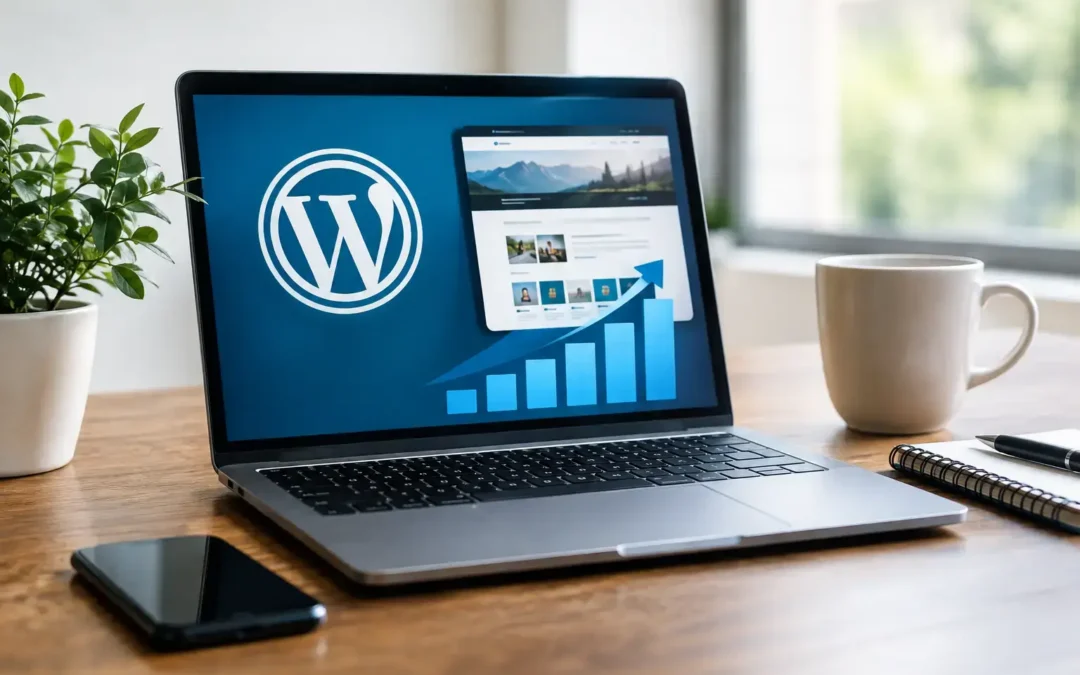
A customer hears about your business, searches your name, and lands on a slow, outdated website with unclear services or a broken contact form. That moment can cost more than a single lead. It can make a capable local business look less prepared than its competition. WordPress development helps prevent that gap by turning your website into a practical business tool, not just an online brochure.
For small-business owners, the goal is not to chase every new web feature. It is to create a site that helps people find you, understand what you offer, and take the next step without adding another job to your week. A well-planned WordPress website can do that while giving your team room to grow.
Why WordPress Development Matters for Small Businesses
Your website works when your office is closed, your staff is serving customers, and your marketing campaign is reaching new people. It needs to answer basic questions quickly: What do you do? Who do you serve? Why should someone contact you? How can they get started?
WordPress is a flexible website platform that can support a simple local service site, a multi-location business, an online catalog, appointment requests, event pages, landing pages for advertising, and more. The platform itself is only part of the equation. The real value comes from thoughtful WordPress development: planning the site around your customers, building pages that load reliably, and making updates manageable over time.
A low-cost, do-it-yourself website may seem like the right budget decision at first. Sometimes it is, especially for a new business with a very limited scope. But templates can create limits when they are overloaded with features, difficult to update, or built without a clear plan for search visibility and lead generation. Custom development does not have to mean unnecessary complexity. It means making deliberate choices based on what your business actually needs.
What a Business-Ready WordPress Site Should Do
A good site should be easy for customers to use and useful for your marketing efforts. That starts with clear navigation and strong service pages, but it also includes the behind-the-scenes work that visitors never see.
Make a strong first impression on every screen
Most visitors will view your website from a phone. If buttons are hard to tap, text is too small, or a quote form is frustrating to complete, they may leave before you have a chance to earn their business. Mobile-friendly WordPress development focuses on readable layouts, simple menus, useful calls to action, and fast access to phone numbers, directions, or booking options.
Your site should also reflect the standard of your work. Generic stock-heavy pages and vague language can make a local company blend in. Real photos, focused service descriptions, customer proof, and a consistent visual identity give people a clearer reason to choose you.
Support search visibility from the start
Search engine optimization is not a magic switch added after a website launches. The structure of your site affects how easily search engines and customers can understand it. That includes logical page organization, descriptive headings, useful page titles, image information, and content that addresses the questions people ask before they buy.
For a local business, location matters too. A plumber serving Norfolk has different customer needs than a contractor working across Hampton Roads or a company serving several states. The right approach depends on your service area. Creating a separate page for every nearby town is not always helpful, particularly if the pages say almost the same thing. Strong local content should be specific, accurate, and genuinely useful.
Turn traffic into calls, forms, and appointments
Website traffic is only valuable when it has a purpose. Each major page should guide visitors toward a reasonable next step, whether that is calling your office, requesting an estimate, scheduling a consultation, or visiting your location.
This does not mean every paragraph needs a hard sales pitch. It means a customer should never have to hunt for contact information or wonder what happens after they submit a form. Clear calls to action, short forms, confirmation messages, and reliable notifications can make the difference between a lead captured and a lead lost.
Give your marketing a dependable home
Google Ads, social media posts, streaming television campaigns, digital radio, and email promotions all work harder when they send people to a relevant web page. A general homepage is sometimes appropriate, but a campaign-specific landing page often gives customers a clearer path.
For example, a seasonal HVAC promotion can direct visitors to a page about the exact offer, service area, financing details, and request form. That makes it easier to measure interest and adjust spending. It also avoids sending a potential customer through several pages to find the information mentioned in the ad.
The Work Behind Effective WordPress Development
A polished homepage is not the same as a well-developed website. Reliable performance depends on several connected decisions, from hosting to security to how content is added after launch.
A professional development process typically addresses these core areas:
- Planning and page structure: Identifying your key audiences, services, locations, and conversion goals before design begins.
- Design and content: Creating a look that fits your business while writing clear, customer-focused copy that supports action.
- Technical setup: Configuring responsive layouts, forms, analytics, backups, security settings, and essential integrations.
- Testing and launch: Checking the site on common devices and browsers, testing forms and calls to action, then preparing the team for ongoing updates.
The details will vary. A restaurant may need menus, online ordering connections, and event promotion. A law firm may need service-area pages, intake forms, and careful messaging. A manufacturer may need product specifications, quote requests, and downloadable resources. The best website is not the one with the most features. It is the one that removes friction for the people you need to reach.
WordPress Hosting and Maintenance Are Part of the Job
A website is not finished when it goes live. WordPress, themes, and plugins receive updates regularly. Those updates can improve security and compatibility, but installing them without a backup or testing process can cause problems. Ignoring them can also leave your site vulnerable or slowly falling behind.
Managed hosting and maintenance are especially helpful for owners who do not have an internal web team. The right support plan should include dependable hosting, regular backups, software updates, security monitoring, and someone to contact when an issue appears. It should also make it easy to request content changes as your business evolves.
Budget matters here. The lowest monthly hosting price may not include proactive support, backups, or recovery help if a problem occurs. On the other hand, not every small business needs enterprise-level infrastructure. The smart choice matches the site’s traffic, functions, and business risk with a realistic level of care.
When to Rebuild Instead of Patch an Old Website
Many business owners keep adding small fixes to a site that no longer fits their needs. A new button here, a plugin there, and another page added to an already confusing menu can make the site harder to manage. At some point, a rebuild is more cost-effective than continued patchwork.
Consider a rebuild if your website is difficult to update, does not work well on mobile devices, loads slowly, no longer reflects your services, or generates very few qualified inquiries. A redesign may also be appropriate after a rebrand, expansion into new markets, or a change in how customers buy from you.
That said, a full rebuild is not always necessary. If your site has a solid structure and only needs updated content, stronger calls to action, or improved speed, targeted improvements may produce better value. A good partner should explain the difference rather than pushing a larger project than you need.
Choosing a WordPress Development Partner
You should not need to become a web expert to make a sound decision. Ask potential partners how they approach mobile design, search foundations, security, backups, ownership of your site, and ongoing support. Ask what is included after launch and what happens if a form stops working or a plugin update creates an issue.
Look for clear answers, not technical jargon. Your website should support the rest of your marketing, including advertising campaigns, social media, video, and local outreach. At Community Focus, that connected view helps ensure a website is built to serve real business goals rather than sit separately from the marketing work that brings customers to it.
The most useful next step is simple: look at your website as a customer would. Can someone understand your value, trust your business, and contact you in under a minute? If not, the opportunity is not just a better-looking site. It is a clearer path for your next customer to choose you.
Recent Comments